


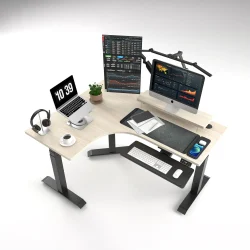

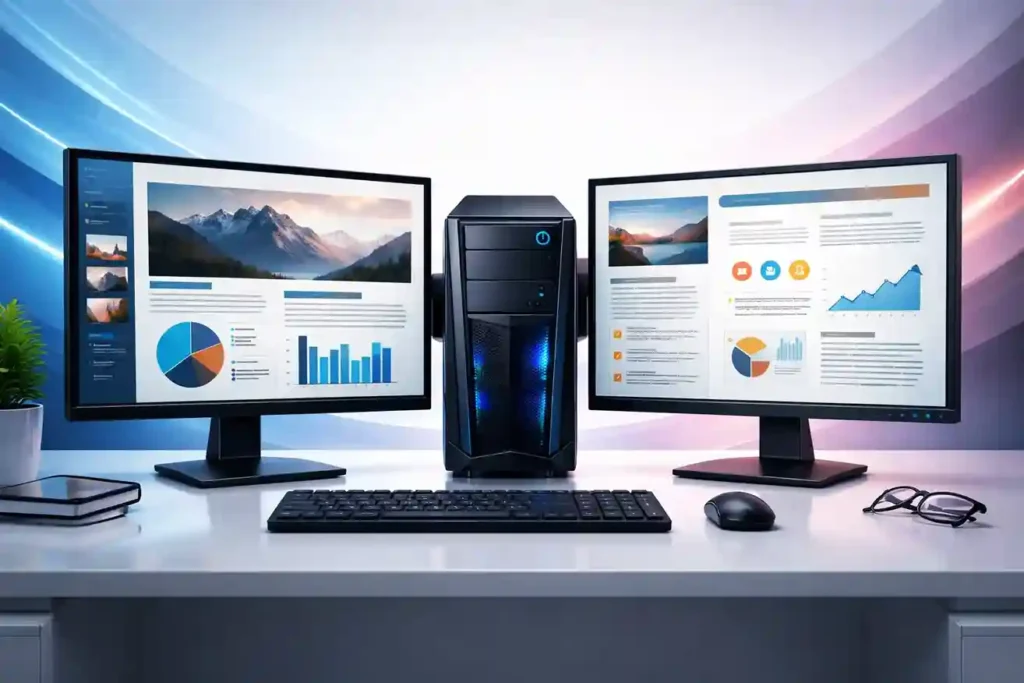
In modern workplaces, productivity and efficiency are more important than ever. Many businesses are now upgrading their office workstations with dual monitor setups to improve workflow, multitasking, and employee performance. From corporate offices to call centers, graphic design teams, finance departments, and IT professionals, a dual monitor office setup has become a standard requirement.
Many companies in Pakistan search for solutions like dual monitor setup for office, best office monitors in Pakistan, Dell office monitors, HP monitors for business, and professional monitor setups for productivity. This guide explains everything you need to know about dual monitor setups, their benefits, required hardware, and how businesses can implement them efficiently.
What is a Dual Monitor Setup?
A dual monitor setup simply means connecting two monitors to one computer or laptop. Instead of switching between tabs or windows, employees can view multiple applications at the same time.
For example:
- One monitor for emails
- Second monitor for spreadsheets
- One screen for software tools
- Another for video calls or research
This setup significantly improves workflow in offices that rely on multitasking and data management.
Benefits of Dual Monitor Setup in Offices
Many organizations upgrade to dual monitor setups because they increase productivity and efficiency.
1. Increased Productivity
Employees can work faster when multiple windows are visible simultaneously. Studies show that dual monitors can increase productivity by 20% to 40% in office environments.
For example:
- Accountants can view reports and spreadsheets together
- Customer support teams can manage CRM and chats simultaneously
- Developers can write code while testing applications
2. Better Multitasking
Dual screens allow employees to run multiple programs without constantly switching windows.
Common multitasking examples include:
- Excel sheets on one monitor
- Email or browser on the second screen
- Video meeting on one display
- Presentation or notes on another
This is particularly useful for corporate offices and call centers.
3. Improved Workspace Organization
A dual monitor setup creates a more organized digital workspace.
Instead of cluttering one screen with many windows, users can:
- Separate applications
- Manage tasks more efficiently
- Maintain focus while working
This improves employee concentration and reduces workflow interruptions.
4. Ideal for Many Office Departments
Dual monitors benefit multiple office roles such as:
- Finance and accounting teams
- Data analysts
- Customer support agents
- IT professionals
- Graphic designers
- Marketing teams
Many corporate offices now consider dual monitors as a standard office workstation setup.
Best Monitors for Dual Monitor Office Setup
When building a dual monitor setup, choosing the right monitor is very important. Businesses often prefer professional business monitors from trusted brands.
Some of the most reliable options include:
Dell Monitors for Offices
Dell monitors are widely used in corporate environments because of their reliability and display quality.
Popular features include:
- Full HD and QHD resolution
- Ultra-thin bezels for dual monitor setups
- Adjustable stands for ergonomic comfort
- HDMI and DisplayPort connectivity
Many businesses search for Dell office monitors in Pakistan because they are known for durability and professional performance.
HP Monitors for Business Use
HP also offers excellent monitors designed for office productivity.
Key features include:
- High-quality IPS panels
- Comfortable viewing angles
- Energy efficient designs
- Slim bezels perfect for multi-monitor setups
HP monitors are widely used in corporate offices, call centers, and business environments.
Other Popular Office Monitor Brands
Businesses in Pakistan also use monitors from brands such as:
- Lenovo
- ASUS
- ViewSonic
- Samsung
- LG
These brands offer reliable display solutions suitable for office workstations and corporate environments.
Ideal Monitor Size for Dual Monitor Setup
When selecting monitors for office setups, the screen size plays an important role.
Recommended sizes include:
- 22 inch monitors – Suitable for compact desks
- 24 inch monitors – Most popular for office use
- 27 inch monitors – Ideal for designers and professionals
Most offices prefer 24-inch Full HD monitors because they provide a perfect balance between size and desk space.
Hardware Requirements for Dual Monitor Setup
To build a dual monitor setup, the following components are required:
Compatible Computer or Laptop
Your system must support multiple displays through:
- HDMI port
- DisplayPort
- USB-C display output
- Graphics card with dual output
Most modern business laptops and desktop computers support dual monitor setups.
Monitor Cables
Common cables include:
- HDMI cables
- DisplayPort cables
- VGA cables (older systems)
Monitor Stands or Mounts
Many offices use dual monitor stands to save desk space and improve ergonomics.
Benefits include:
- Adjustable height
- Better cable management
- Improved workspace organization
Dual Monitor Setup for Call Centers
Call centers often rely heavily on dual monitor workstations.
A typical call center setup may include:
- CRM software on one monitor
- Customer details or ticketing system on the second monitor
This allows agents to respond quickly while maintaining accurate information.
Call centers in Pakistan frequently invest in dual monitor setups to improve customer service efficiency.
Tips for Creating the Perfect Office Dual Monitor Setup
To ensure the best experience:
- Use monitors of the same size and resolution
- Align monitors at eye level
- Maintain proper distance from screens
- Use anti-glare displays
- Organize cables for a clean desk
A well-designed workstation improves employee comfort and productivity.
Where to Buy Office Monitors in Pakistan
If you are planning to upgrade your office with dual monitor setups, business monitors, or corporate IT equipment, it is important to purchase from a trusted IT hardware supplier.
HCOM Distributors is a reliable IT equipment provider in Pakistan offering a wide range of:
- Dell monitors
- HP monitors
- Lenovo monitors
- ASUS monitors
- ViewSonic monitors
- Samsung and LG displays
Businesses, corporate offices, universities, and call centers can find high-quality office monitors, desktops, laptops, networking equipment, and IT accessories at competitive prices.
Visit:
hcomdistributors.pk
Final Thoughts
A dual monitor setup is one of the most effective ways to improve productivity in modern workplaces. From finance teams and IT professionals to call centers and corporate departments, using two monitors helps employees multitask efficiently and manage workflows better.
By investing in reliable monitors from brands like Dell, HP, Lenovo, ASUS, Samsung, LG, and ViewSonic, businesses can create professional and productive work environments.
If your organization is planning to upgrade office workstations, implementing a dual monitor office setup is a smart investment that can significantly improve efficiency and performance.
Keywords:
office monitor setup Pakistan, Dell monitors Pakistan, HP office monitors, best monitors for office work, dual screen setup for office, corporate monitor setup, business monitors Pakistan, office workstation setup, monitors for call centers, best office monitors 2026

