



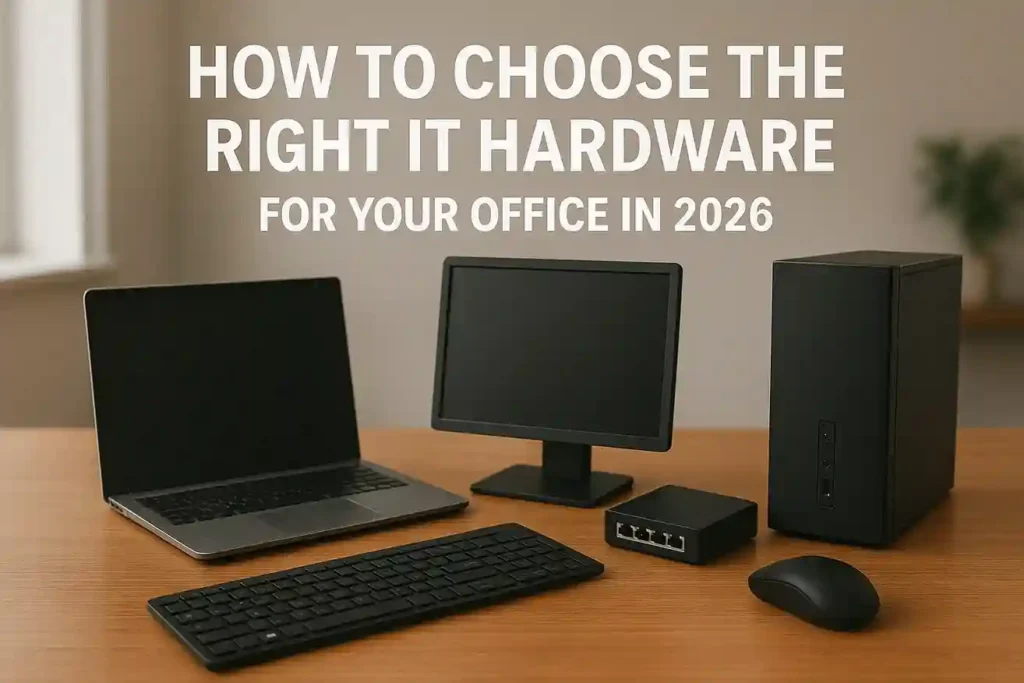
Choosing the right IT hardware is one of the most important decisions for any business in 2026. With rapid advancements in cloud computing, AI-powered workflows, hybrid working models, and data-driven applications, companies now require reliable, secure, and scalable hardware solutions. Whether you are setting up a new office or upgrading your current infrastructure, selecting the right laptops, desktops, servers, networking equipment, and accessories directly impacts productivity, performance, and long-term operational costs.
This guide explains how to choose office IT hardware strategically and highlights everything businesses should consider in 2026.
1. Identify Your Office Needs First
Before choosing hardware, understand your organization’s requirements.
Common Office Use Cases
- Data entry and documentation
- ERP / CRM systems
- Cloud applications
- Accounting and finance tools
- Video conferencing and collaboration
- Development, design, and engineering
- AI-driven workloads
Every use case requires different hardware specifications, so defining your needs helps prevent overspending or underperforming systems.
2. Choosing the Right Office Laptops (2026 Guide)
Laptops remain the core device for modern workplaces, especially with hybrid and remote working. In 2026, the focus shifts toward AI-ready processors, strong security, and long-lasting battery life.
Recommended Specs for Office Laptops
- Intel Core i5 / i7 (13th, 14th Gen or Intel Ultra 5/7)
- 16GB RAM minimum (Upgradable recommended)
- 512GB NVMe SSD
- Wi-Fi 6E or Wi-Fi 7
- Fingerprint reader or IR camera
- Lightweight build (1.2–1.6kg)
- 14″ or 15.6″ Full HD/2K Display
Top Business Laptop Series to Consider
- Dell Latitude / Dell Pro / Dell Pro Plus
- HP EliteBook / HP ProBook
- Lenovo ThinkPad L/T/X Series
These laptop families are known for durability, security, and long-term reliability—making them ideal for corporate environments.
3. Choosing Office Desktops in 2026
Desktops offer better performance, long-term sustainability, and easier maintenance. They are widely used in offices, banks, schools, and corporate setups.
Recommended Desktop Specs
- Intel Core i5 / i7 12th–14th Gen
- 8GB–16GB DDR4/DDR5 RAM
- NVMe SSD (256GB–512GB)
- Integrated or dedicated GPU (based on workload)
- Windows 11 Pro
- Small Form Factor (SFF) for compact offices
Reliable Office Desktop Series
These desktops are trusted in corporate environments for consistent performance and ease of deployment.
4. Choose the Right Networking Hardware
Networking is the backbone of every office. Poor network design leads to slow communication, reduced productivity, and security risks.
Networking Devices You Must Consider
- Routers: Dual-band/tri-band, Gigabit WAN
- Switches: 5–48 port options
- PoE Switches: For IP cameras, VoIP phones, APs
- Access Points: High-density Wi-Fi coverage
- Media Converters: Fiber to Ethernet communication
- Controllers: Central network management
Important Technologies in 2026
- Wi-Fi 6E & Wi-Fi 7
- Gigabit & 2.5G Switches
- PoE/PoE+ for smart devices
- Cloud-managed networking (SDN)
- Fiber backbone connections
Best Networking Brand for Offices
- TP-Link (Omada Series) – best value, best availability
- Cisco SMB
- Mikrotik
- Ubiquiti UniFi
5. Selecting the Right Servers for Your Workplace
Servers are essential for medium to large companies dealing with data, databases, or internal apps.
Choose a Server Based On:
- Number of employees
- Storage needs
- Data sensitivity
- Virtualization use
- Cloud + hybrid workflow
Recommended Server Specs
- Intel Xeon or AMD EPYC CPU
- ECC RAM (16GB–64GB+)
- NVMe SSD and RAID options
- Multiple LAN ports
- Redundant power supplies
Servers ensure secure data management, reduced downtime, and centralized IT operations.
6. Essential Office Accessories (Don’t Overlook These)
Accessories enhance productivity and communication.
Important Office Accessories
- Keyboards (Wireless/Ergonomic/Mechanical)
- Wireless Mice
- Webcams for meetings
- Noise-canceling Headsets
- Docking Stations
- Laptop Stands
- UPS & Power Solutions
Top Brands
Investing in good accessories improves user comfort and ensures smooth workflow.
7. Security Should Be a Priority in 2026
Security is now a hardware-level requirement—not just software-level.
Must-Have Security Features
- TPM 2.0
- BIOS Lock & Device Encryption
- Fingerprint Reader
- Smart Card Reader
- Webcam Privacy Shutters
- Secure Boot
- Hardware-based MFA
With rising cyber threats, choosing hardware with strong security features reduces risk dramatically.
8. Scalability and Future-Proofing
Always select IT hardware that can be upgraded easily.
Future-Proofing Tips
- Choose devices with upgradable RAM
- Prefer NVMe SSDs over SATA
- Opt for Wi-Fi 6E or 7 routers
- Use PoE switches for flexibility
- Select desktops with free expansion slots
- Choose business-grade laptops with spare SSD slots
Hardware that scales with your business helps save significant future costs.
9. Why Buy IT Hardware from HCOM Distributors
HCOM Distributors is one of Pakistan’s leading IT hardware suppliers for corporate clients, SMEs, government sectors, educational institutes, and home users. We provide:
- 100% Original & Brand-New Products
- Official Warranty Support
- Massive Range of Laptops, Desktops, Networking Devices
- Corporate B2B Pricing
- Fast Delivery Across Pakistan
- Trusted by thousands of customers
- Authorized stock for Dell, HP, Lenovo, TP-Link, Logitech and more
Your office deserves hardware that is reliable, long-lasting, and performance-driven.

