




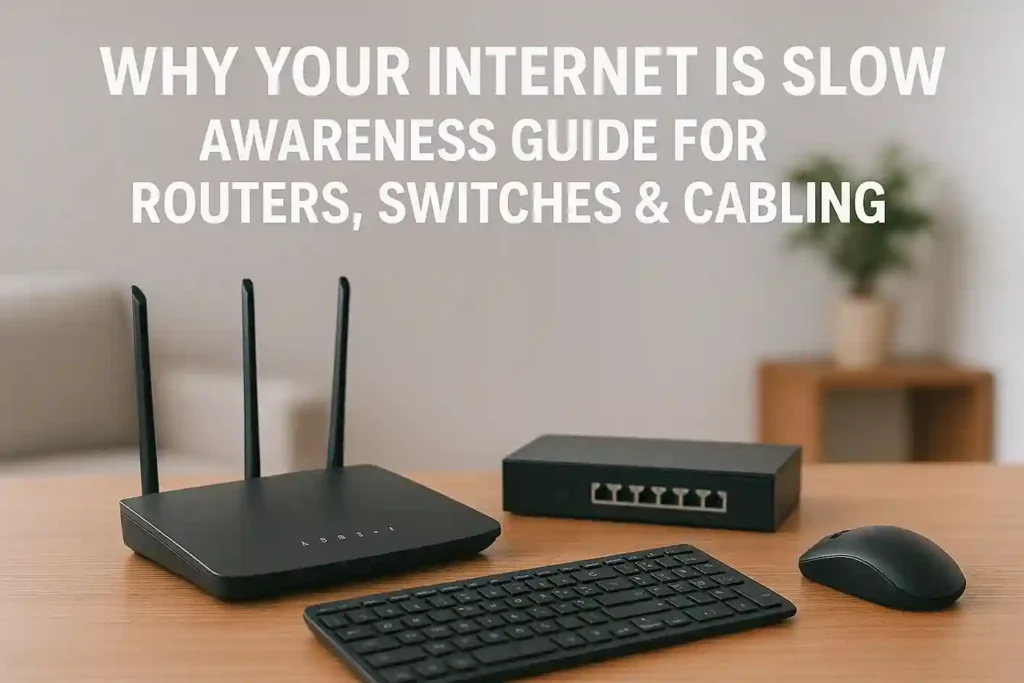
Slow internet is one of the most common problems faced by homes, offices, and businesses today. Whether you are working remotely, running a corporate network, or managing a small office, poor internet performance can affect productivity, communication, and user experience.
Many users assume slow internet is always the ISP’s fault. In reality, routers, switches, cabling, and network configuration play a major role in determining internet speed and stability. This guide explains why your internet is slow, how networking hardware affects performance, and what you can do to fix it.
Most Common Reasons for Slow Internet Speed
1. Outdated or Low-Quality Router
Your Wi-Fi router is the heart of your network.
Common issues:
- Old Wi-Fi standards (Wi-Fi 4 / Wi-Fi 5)
- Limited bandwidth handling
- Poor antenna design
- Overheating routers
Many users search:
- Why is my WiFi slow?
- Best router for fast internet
- WiFi router speed issues
Upgrading to a dual-band or tri-band gigabit router significantly improves speed and coverage.
2. Incorrect Router Placement
Even the best router can perform poorly if placed incorrectly.
Problems include:
- Router placed in corners or behind walls
- Interference from walls, metal objects, or appliances
- Distance from connected devices
This leads to:
- Weak WiFi signal
- Slow browsing
- Frequent disconnections
3. Network Congestion & Too Many Devices
Modern networks support:
- Smartphones
- Laptops
- Smart TVs
- Cameras
- IoT devices
Too many connected devices can overload routers and switches, causing:
- Slow download speed
- High latency
- Buffering issues
This is a common search query:
- Why internet slows down at night
How Switches Affect Internet Speed
4. Using Non-Gigabit Network Switches
Old or unmanaged Fast Ethernet switches (10/100 Mbps) can limit speed.
Common problems:
- Network capped at 100 Mbps
- Poor data handling
- Packet loss
Search keywords:
- Gigabit switch vs Fast Ethernet
- Best network switch for office
Using gigabit switches (10/100/1000 Mbps) ensures full bandwidth distribution across all devices.
5. No PoE Support Where Needed
Power over Ethernet (PoE) switches are essential for:
- IP cameras
- Access points
- VoIP phones
Using injectors instead of PoE switches can cause:
- Voltage drops
- Unstable devices
- Network interruptions
The Role of Cabling in Internet Speed
6. Poor Quality or Old LAN Cables
One of the biggest hidden causes of slow internet is cabling.
Problems include:
- Using Cat5 instead of Cat6/Cat6A
- Damaged or bent Ethernet cables
- Cheap, non-certified cables
Most searched keywords:
- Which LAN cable is best for internet speed?
- Cat6 vs Cat5e speed
For modern networks, Cat6 or Cat6A Ethernet cables are highly recommended.
7. Improper Cable Length & Installation
Long or poorly installed cables can cause:
- Signal loss
- Data errors
- Reduced speed
This is especially common in offices with unmanaged cabling layouts.
Wireless vs Wired Connection – Which Is Faster?
Many users ask:
- Is Ethernet faster than WiFi?
Wired Connection (Ethernet)
✔ More stable
✔ Lower latency
✔ Higher consistent speed
Wireless Connection (WiFi)
✔ Convenience
✔ Mobility
✖ Affected by interference
For offices and heavy usage, wired connections via switches are always recommended.
Router Features That Improve Internet Speed
When choosing a router, look for:
- Dual-band or tri-band support
- Gigabit WAN & LAN ports
- MU-MIMO technology
- Beamforming
- QoS (Quality of Service)
These features help manage traffic and prioritize important applications like video calls and cloud systems.
Signs Your Network Hardware Needs an Upgrade
- Internet speed is lower than ISP plan
- Frequent WiFi drops
- Buffering during video calls
- Slow file transfers on LAN
- Devices disconnect randomly
If you experience these, your router, switch, or cabling may be outdated.
Best Networking Setup for Offices & Businesses
A proper setup includes:
- Gigabit router
- Managed or unmanaged gigabit switches
- Cat6/Cat6A cabling
- PoE switches for cameras & access points
- Structured cabling
This ensures:
- Stable internet
- Better security
- Future scalability
Why Buying the Right Networking Equipment Matters
Cheap or incorrect hardware leads to:
- Slow performance
- Downtime
- Security risks
- Frequent replacements
Investing in quality networking equipment improves:
- Internet speed
- Network reliability
- Long-term cost efficiency
Why Choose HCOM Distributors for Networking Solutions
HCOM Distributors provides:
- 100% Original Networking Products
- Trusted Brands (TP-Link, Cisco, Dell, HP & more)
- Enterprise-grade routers & switches
- Cat6 & Cat6A structured cabling solutions
- Official warranty & support
- Corporate and bulk supply across Pakistan
Whether for home, office, or enterprise networks, HCOM Distributors offers reliable networking solutions.
Final Thoughts
Slow internet is not always your ISP’s fault. In most cases, the real issue lies in routers, switches, cabling, and network design. Understanding these factors helps you make informed decisions, improve performance, and future-proof your network.
Upgrading to the right networking hardware can transform your internet experience completely.

